
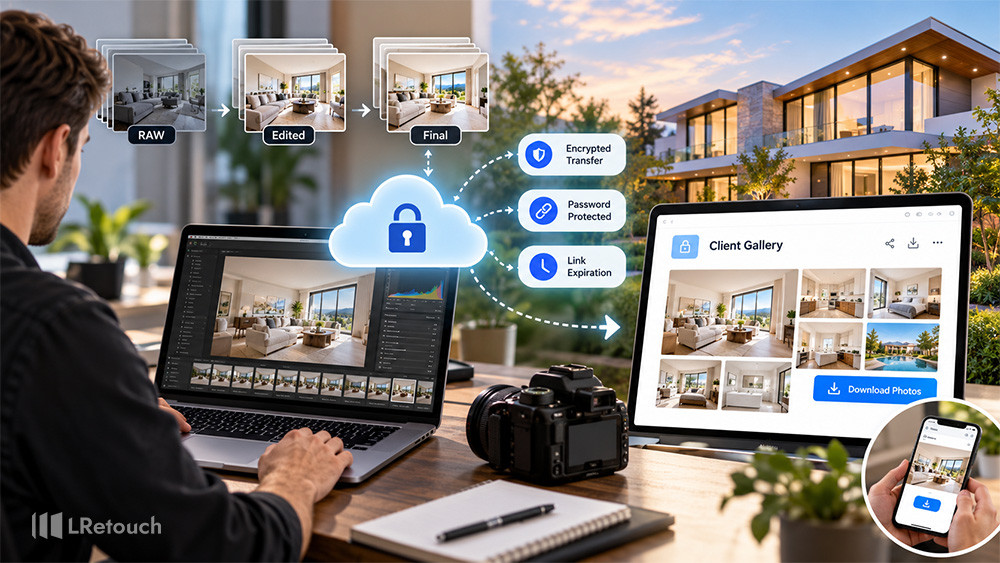
A secure photo delivery workflow helps real estate photographers deliver high-quality images while protecting client privacy. Property photos can reveal private interiors, valuable belongings, and sensitive location details. A reliable process keeps these files organized, accessible, and secure.
Whether you work independently or outsource editing, the right workflow saves time and reduces delivery errors. It also helps real estate agents receive listing photos quickly. This guide explains how to build a secure, efficient photo delivery process from editing to final delivery.
What Is a Secure Photo Delivery Workflow?
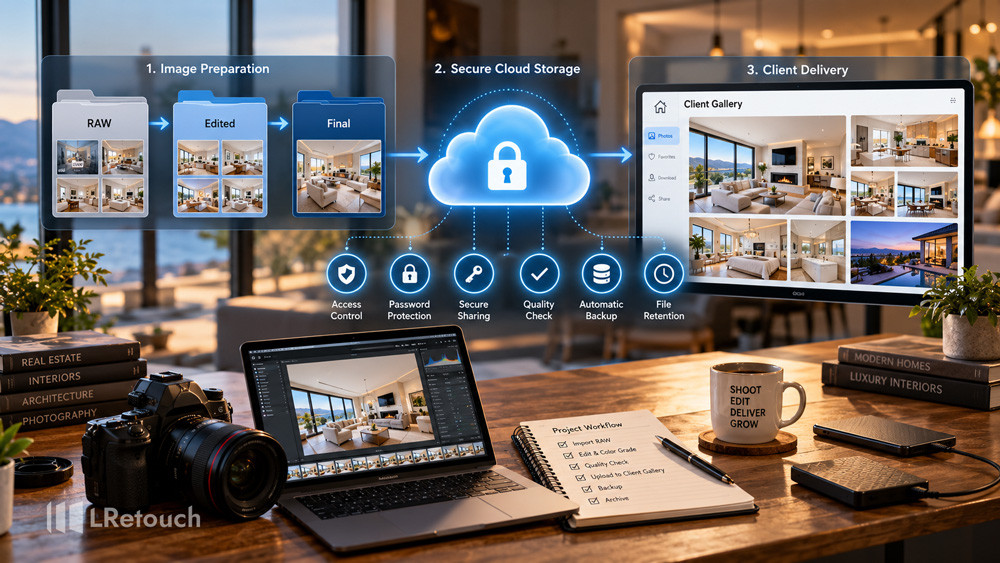
A secure photo delivery workflow covers every step from preparing images to sharing final files with clients. It includes file organization, editing, storage, access control, delivery, and backup.
Real estate photographers often work with agents, brokers, property managers, and editing teams. Each person may need different permissions. A clear process ensures that everyone receives the correct files without exposing private information.
What Is a Secure Photo Delivery Workflow?
An effective workflow typically includes:
- Organized folders for each property.
- Secure cloud storage and file transfers.
- Controlled access to client galleries.
- Quality checks before delivery.
- Reliable backups and file retention policies.
These steps support a consistent real estate editing workflow. They also help photographers manage more projects without compromising security.
How to Build a Secure Photo Delivery Workflow
1. Organize Files Before Editing
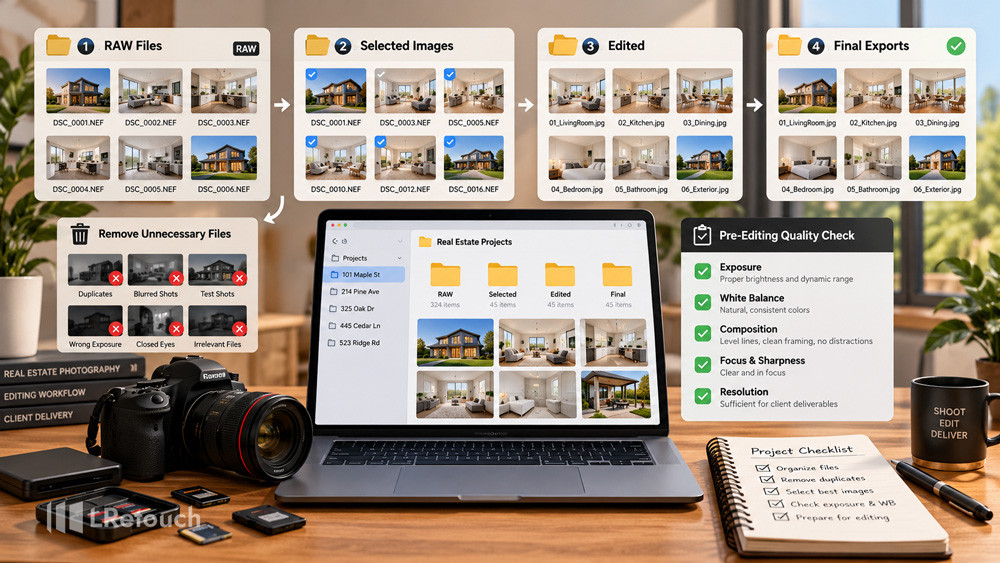
Start by creating a dedicated folder for each property. Separate RAW files, edited images, and final exports. Use clear filenames or project IDs to identify each job.
Remove duplicate shots and unnecessary files before uploading. Check image exposure, white balance, composition, and resolution.
If you outsource photo editing real estate projects, create a separate folder for the editor. Upload only the files needed for the assignment. Use restricted access instead of sharing your entire storage account.
Provide clear editing instructions, including preferred colors, exposure levels, image dimensions, and delivery deadlines. This reduces revisions and prevents confusion.
Organize Files Before Editing
2. Choose a Secure Cloud Delivery Platform
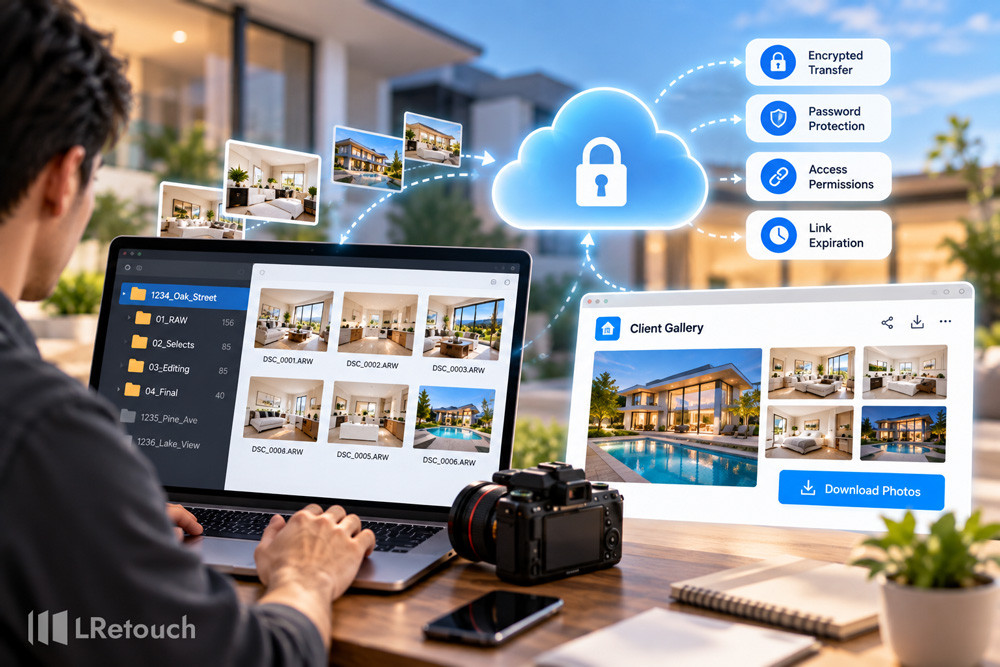
A reliable cloud platform makes large photo transfers easier. Look for encryption, password protection, access permissions, and link expiration features.
A fast image delivery cloud solution can help photographers send high-resolution images without relying on email attachments. Many platforms also support galleries, client downloads, and project organization.
Before choosing a service, review its privacy policies and security settings. Check how it handles deleted files, shared links, and account access.
Avoid unrestricted public links for sensitive property photos. Use password-protected galleries or individual client accounts whenever possible.
Choose a Secure Cloud Delivery Platform
3. Use Client Proofing Galleries
Client proofing galleries real estate photographers use allow agents to review, select, and download property images online. These galleries can simplify approvals and reduce unnecessary email exchanges.
Choose a platform that supports private galleries, controlled downloads, and clear image previews. Password protection can help prevent unauthorized access.
Organize images by property or room when projects contain many photographs. Use consistent filenames so clients can identify their preferred images easily.
Before sharing a gallery, test the link and verify its permissions. Confirm that clients can view and download the intended files.
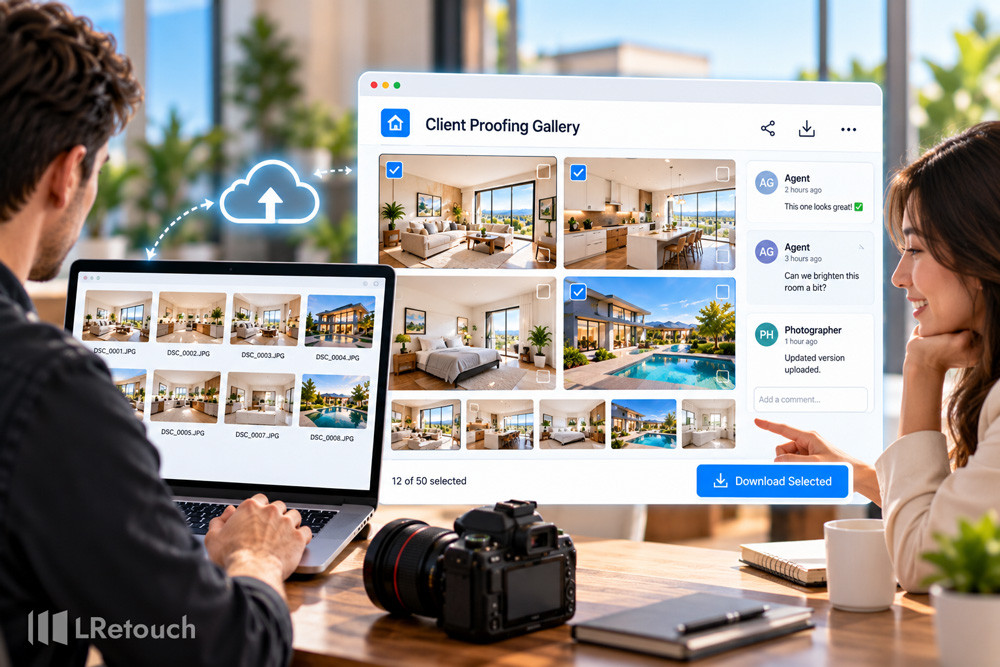
Use Client Proofing Galleries
4. Compare Gallery Platforms Carefully
Photographers often compare Pixieset vs Zenfolio for editors when selecting a delivery platform. Both are known in photography workflows, but the best choice depends on your business needs.
Consider these factors when evaluating gallery services:
- Security: Look for password protection and access controls.
- Client experience: Check how easily clients can preview and download images.
- Workflow integration: Consider compatibility with your editing and delivery process.
- Storage: Review available space and file management options.
- Cost: Compare subscription fees against the features you actually need.
If you collaborate with external editors, also consider how files move between editing software, cloud storage, and client galleries. Test the complete workflow before committing to a platform.
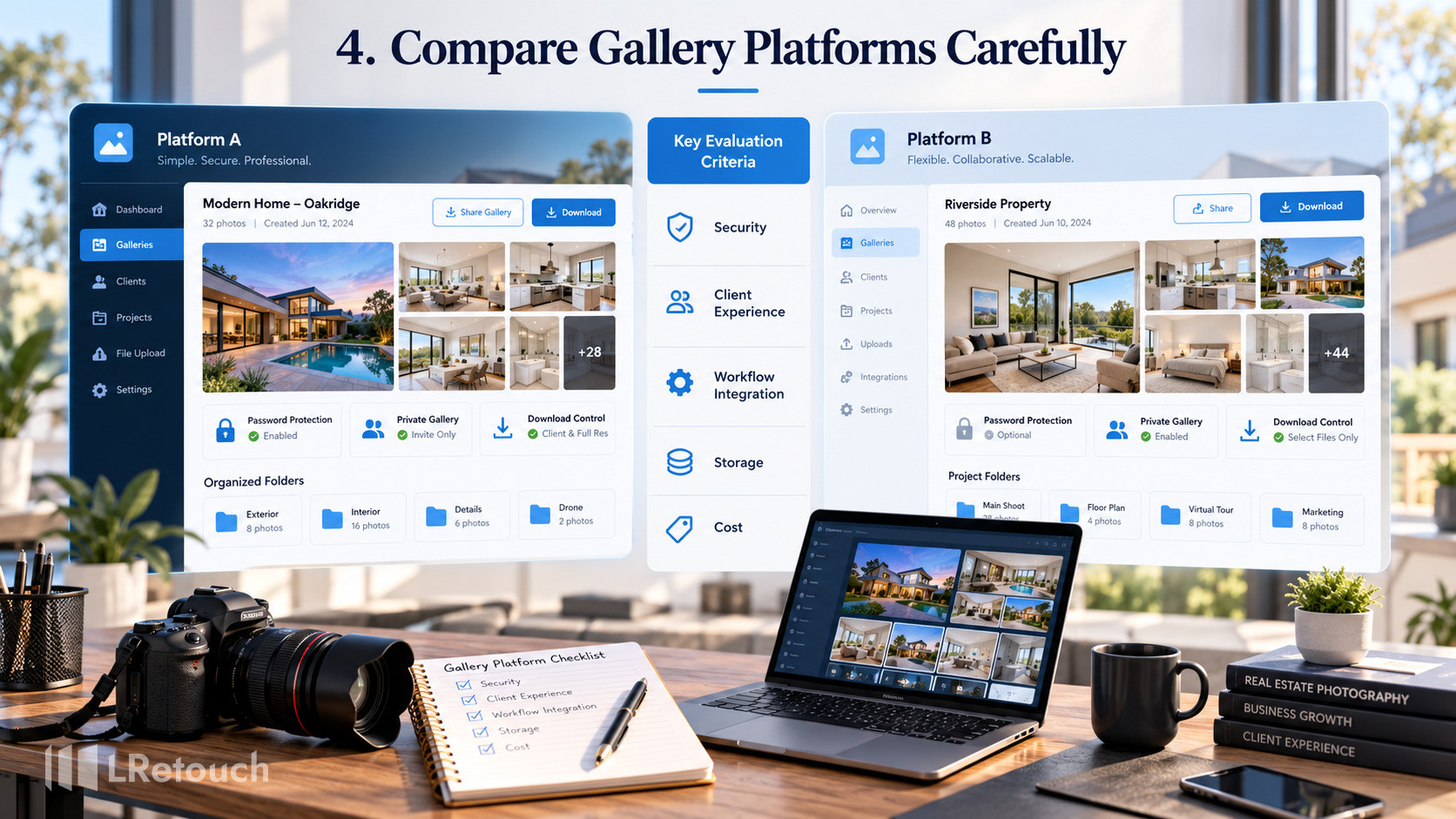
Compare Gallery Platforms Carefully
5. Verify Images Before Delivery
Never assume that an upload has completed correctly. Check the final gallery before sending it to the client.
Confirm that all expected images are present. Open several files to verify image quality, orientation, and resolution. Compare the uploaded file count against your export folder.
Check that the images meet the agent’s requirements. Remove unfinished edits, duplicate exports, and incorrect versions.
Test the download link using the same permissions your client will have. This simple step helps prevent missing files and access problems.
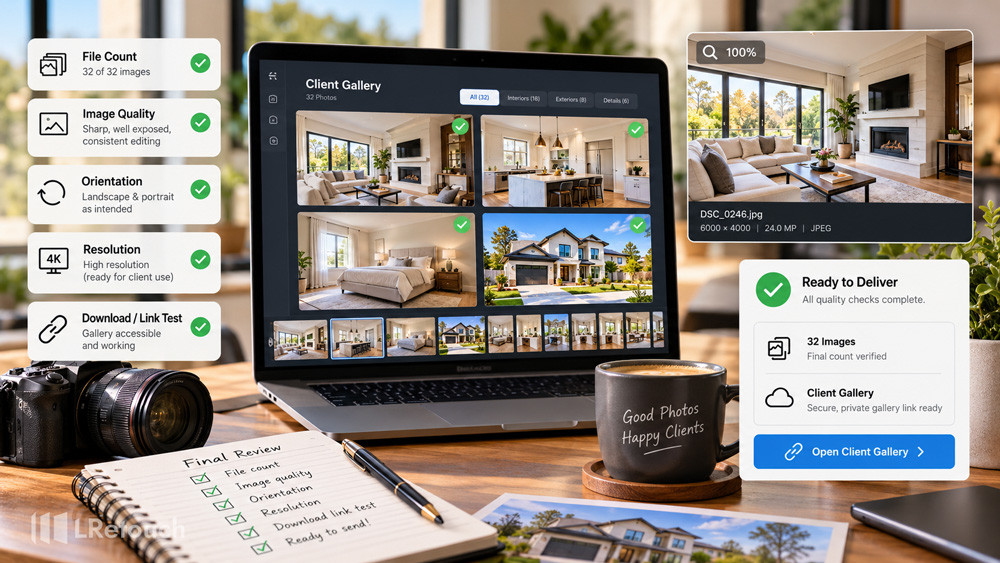
Verify Images Before Delivery
6. Deliver Images Securely and Quickly
Once the gallery is ready, send a clear delivery message. Include the gallery link, password instructions, and download guidance when necessary.
A fast image delivery cloud service can help agents receive listing photos without waiting for large email attachments to upload. However, speed should not replace security.
Use expiring links for temporary access when appropriate. Share passwords through a separate communication channel. Avoid including sensitive credentials in public messages.
Set realistic delivery deadlines and communicate delays early. A consistent process helps agents prepare property listings on schedule.
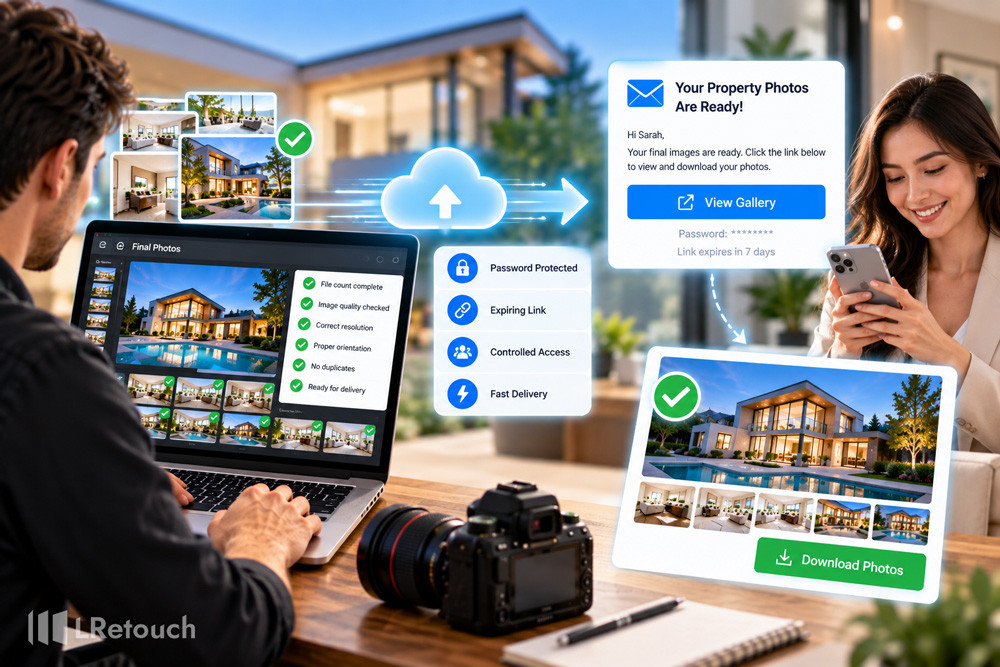
Deliver Images Securely and Quickly
7. Maintain Backups and Control Access
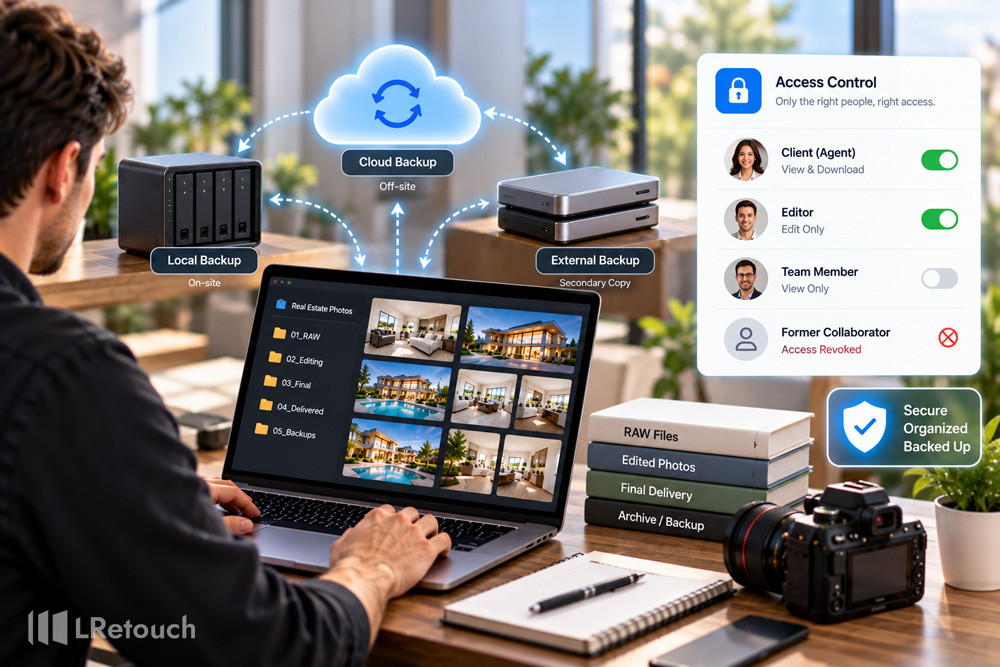
Keep a separate backup of final images and important project files. Do not rely on the client gallery as your only copy.
The 3-2-1 backup principle is a useful starting point. Maintain three copies of important data, store them on two different types of storage, and keep one copy off-site.
Review access permissions regularly. Remove former collaborators and revoke unnecessary links after projects finish.
Establish a retention policy for RAW files, edited images, and delivery records. Follow client agreements and delete files securely when they are no longer required.
Maintain Backups and Control Access
Common Mistakes to Avoid
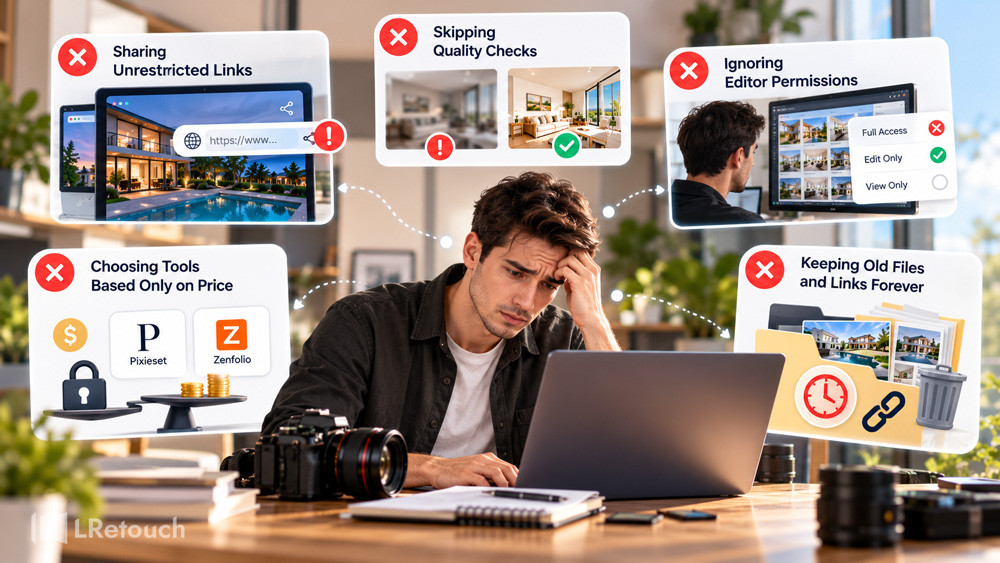
1. Sharing Unrestricted Links
Public links can expose property photos to unintended viewers. Use private galleries, passwords, and appropriate expiration settings.
2. Skipping Quality Checks
Incomplete uploads and incorrect exports can delay property listings. Verify file counts, resolution, and download access before delivery.
3. Ignoring Editor Permissions
When you outsource photo editing real estate projects, avoid giving editors unrestricted access to client accounts. Share only the necessary files and revoke access when the job ends.
4. Choosing Tools Based Only on Price
A cheap platform may lack essential security or workflow features. Compare storage, privacy controls, client experience, and integrations before making a decision.
5. Keeping Old Files and Links Forever
Unnecessary files and active links increase management and privacy risks. Establish clear retention periods and review permissions regularly.
Common Mistakes to Avoid
Conclusion
A secure photo delivery workflow helps real estate photographers protect client privacy, organize files, and deliver listing images efficiently. Combine secure cloud storage, private proofing galleries, quality checks, and reliable backups. With a consistent process, you can streamline editing, improve client satisfaction, and grow your photography business confidently.