
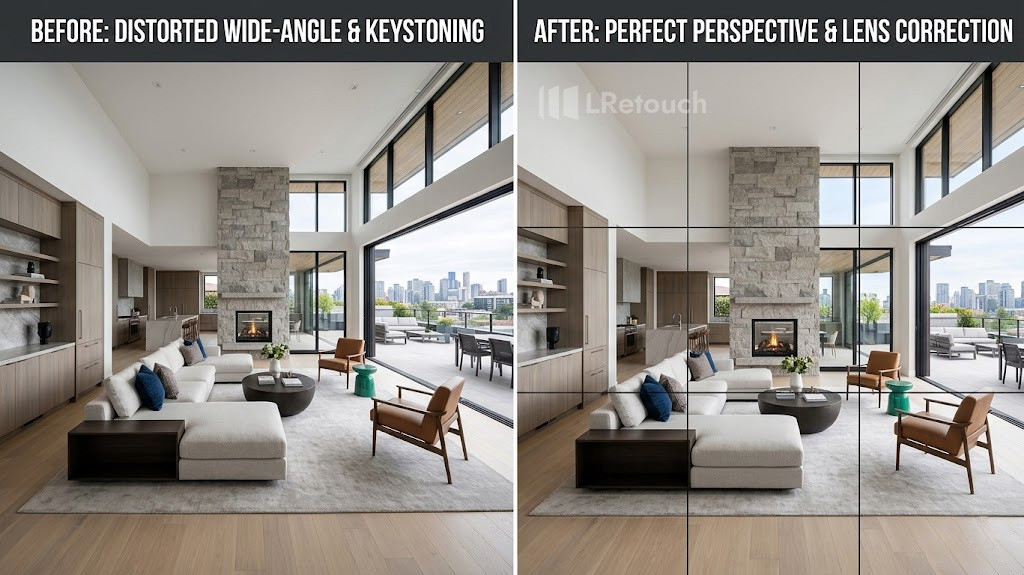
In real estate photography, wide-angle lenses often cause perspective distortion that can make rooms appear unrealistic or poorly aligned. Proper perspective correction real estate improves architectural accuracy, enhances visual balance, and makes interiors look more natural to potential buyers. This guide explains the best tools, editing methods, and workflow tips for correcting perspective in real estate photos efficiently.
What is perspective correction real estate?
Perspective correction real estate is the process of adjusting distorted angles and lines in property photos to make buildings and rooms appear straight and natural. This editing technique is commonly used in real estate photography because wide-angle lenses can cause walls, windows, and doors to look tilted or stretched.
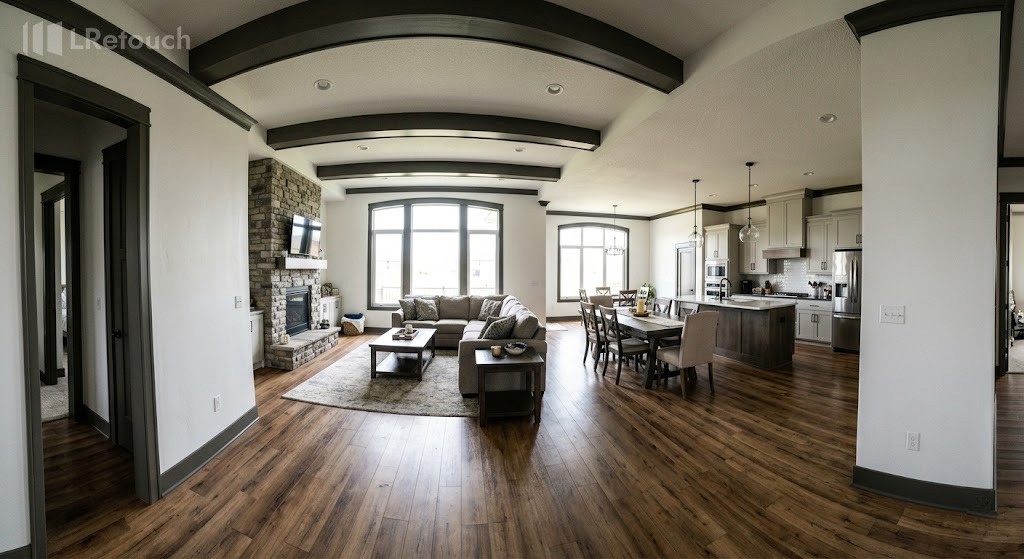
A property photo showing perspective distortion caused by a wide-angle lens.
For example:
- A tall building may appear to lean backward in an exterior photo
- Interior walls may look slanted instead of perfectly vertical
- Kitchen cabinets or door frames may appear uneven
Perspective correction tools help fix these distortions and create more professional-looking real estate images.
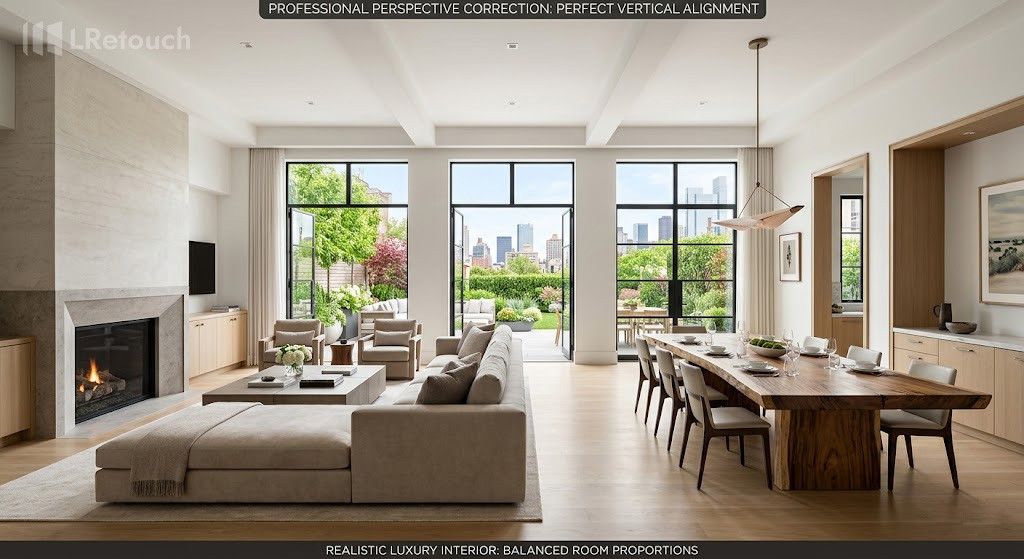
A real estate photo corrected for vertical alignment and natural room proportions.
The importance of perspective correction real estate
Perspective correction real estate editing is important because distorted lines can make properties appear unrealistic and unprofessional. Straight walls, aligned windows, and balanced room angles help improve listing photos and create a more polished presentation for buyers online.
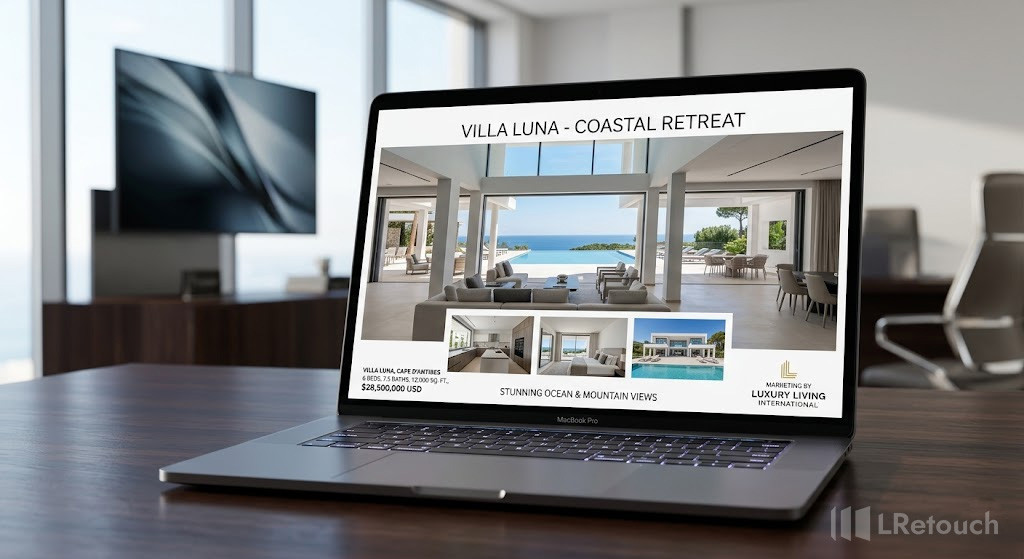
A property listing using professionally corrected real estate photos.
Wide-angle lenses commonly used in real estate photography often cause vertical lines to lean or rooms to look stretched. Perspective correction helps fix these issues and improves architectural accuracy.
Benefits include:
- Cleaner and more professional property images
- More realistic room dimensions
- Better visual balance in interior and exterior photos
- Attract more potential buyers
Professional perspective correction real estate techniques help listings stand out and create stronger first impressions in competitive property markets.
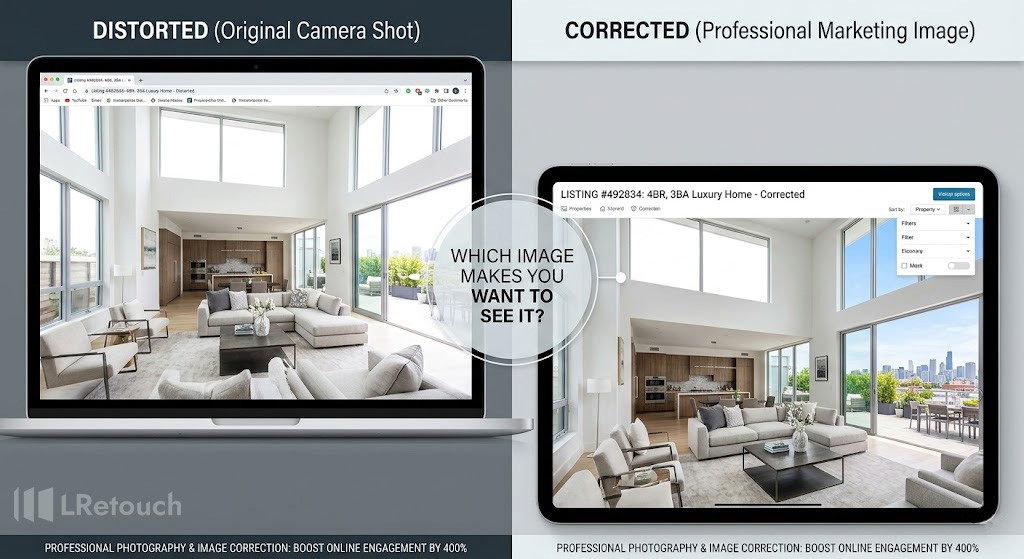
A comparison showing how perspective correction improves property presentation for buyers.
Steps of perspective correction real estate photos
By correcting distorted walls, tilted vertical lines, and stretched room angles, photographers can create cleaner property images that improve buyer perception.
Following these steps helps real estate photos look straight, balanced, and more professional.
Correct lens distortion
The first step in perspective editing is applying lens distortion correction. Wide-angle lenses can cause curved edges, stretched corners, and warped room proportions.
Most photographers use Adobe Lightroom vs Photoshop real estate lens profiles to correct these issues automatically.
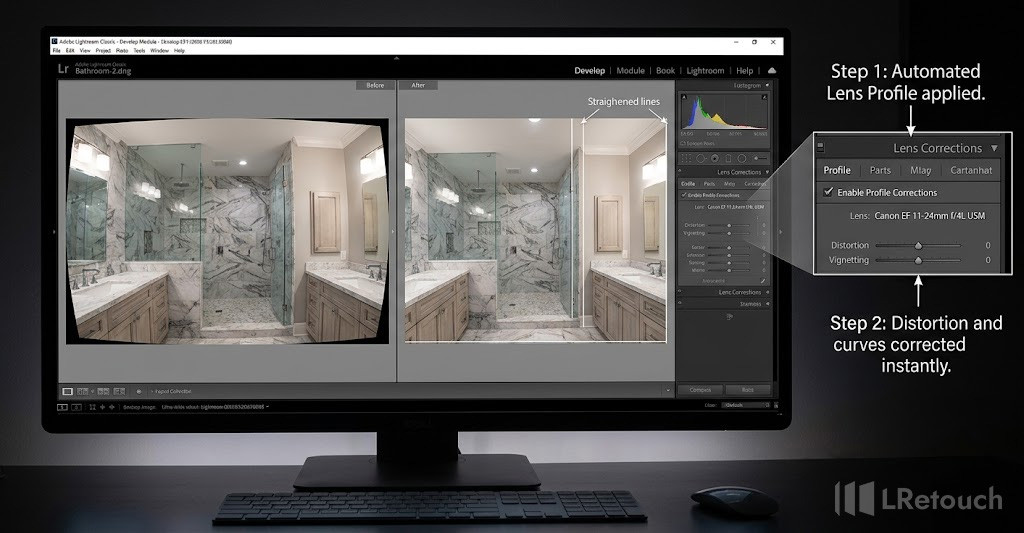
A photographer correcting lens distortion in a real estate image using Lightroom.
The benefits of applying lens distortion correction are:
- Straighten curved architectural lines
- Reduce stretching near image edges
- Improve room proportions
- Achieve a more natural appearance
For example, bathroom and kitchen photos taken with ultra-wide lenses often show noticeable edge distortion that needs correction before further editing.
Fix vertical lines
One of the most important editing steps is the vertical-lines-fix process. In real estate photography, walls, windows, and door frames should appear perfectly straight. If the camera is tilted upward or downward, vertical lines may lean inward or outward.
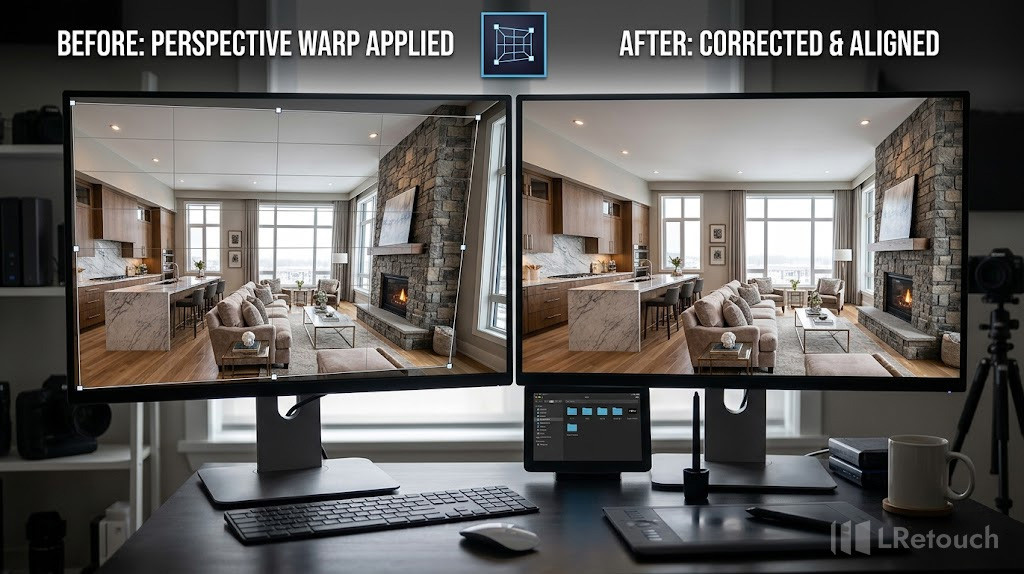
A real estate editor correcting tilted walls and vertical lines in Photoshop.
Editors commonly use real estate photo editing tools such as:
- Lightroom Upright Tool
- Transform sliders
- Perspective Warp in Photoshop
These tools help align walls and architectural features accurately. Straight vertical lines create a cleaner and more professional image, especially for luxury properties and commercial buildings.
Adjust real estate photo alignment
After correcting distortion and vertical lines, photographers refine the overall real estate photo alignment. This step ensures the room appears balanced and symmetrical.
Real estate photo editors often check:
- Ceiling and floor alignment
- Window positioning
- Furniture balance
- Centered room composition
Proper alignment helps rooms look larger and more visually appealing. Even small adjustments can significantly improve image quality and viewer perception.
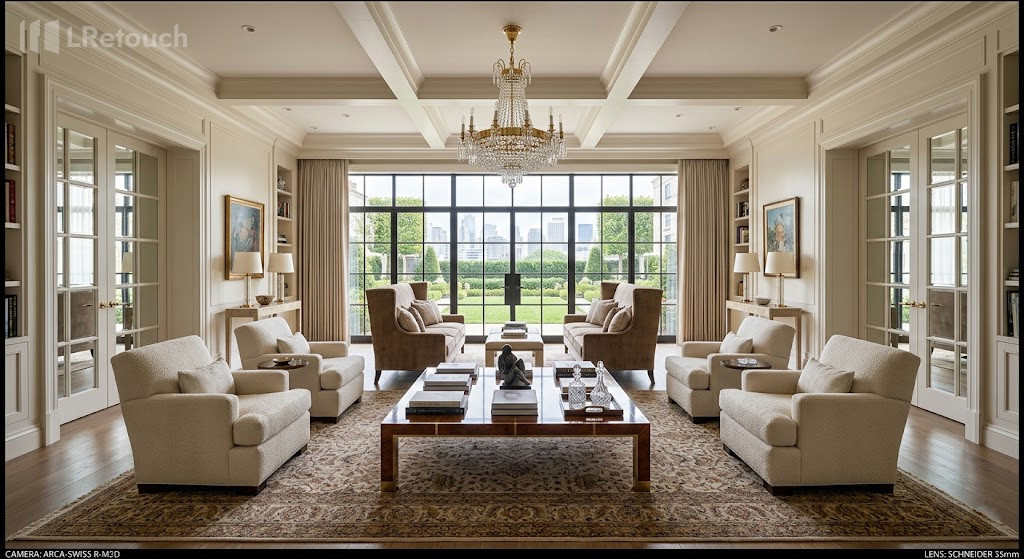
A professionally aligned interior real estate photo with balanced composition.
Crop and refine the composition
Perspective editing usually stretches or shifts parts of the image, creating empty edges or uneven framing. Cropping helps clean up the final composition while maintaining proper proportions.
At this stage, editors may also:
- Adjust brightness and contrast
- Fine-tune geometry
- Sharpen architectural details
- Remove remaining distractions
The goal is to create natural-looking property photos without excessive distortion correction. Over-editing can make rooms appear unrealistic or overly compressed.
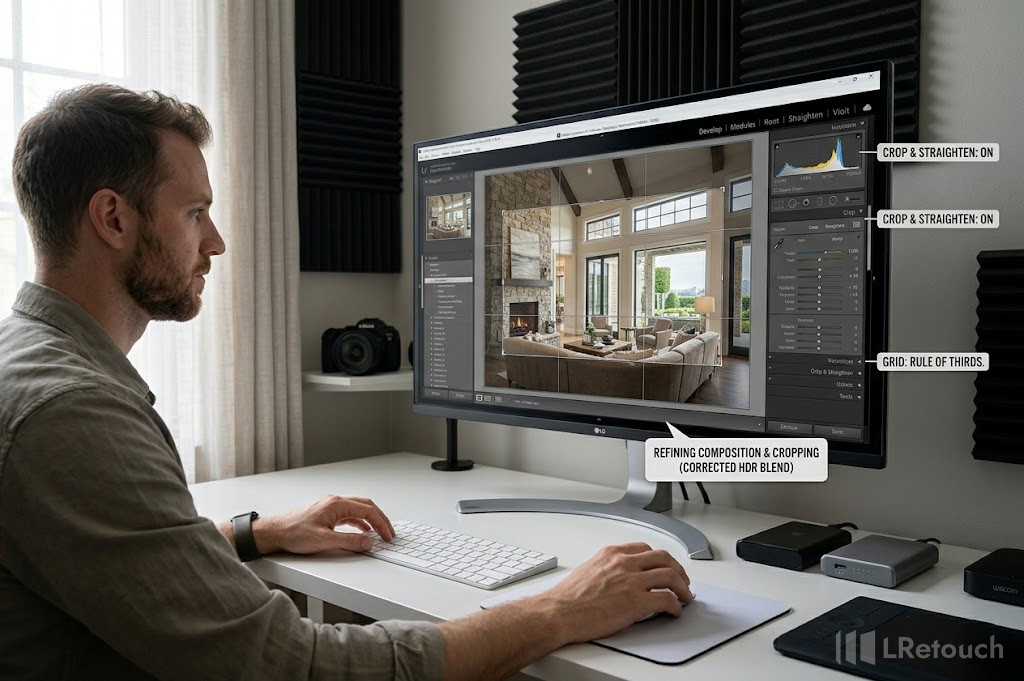
A real estate photographer refining the final composition after perspective correction.
A consistent workflow for lens distortion correction, vertical lines fix, and real estate photo alignment helps photographers deliver professional-quality listing images efficiently. Accurate perspective editing improves visual balance, strengthens architectural realism, and enhances the overall presentation of real estate listings online.
Best real estate photo editing software
Professional real estate photographers rely on advanced real estate photo editing tools to improve image quality, correct distortion, and create attractive property listings.
The best software options support perspective editing, lens adjustments, HDR processing, and fast workflow management.
Photoshop
Adobe Photoshop is one of the most widely used photo correction tools in the real estate industry. It offers advanced features for perspective correction real estate editing, including Perspective Warp, Camera Raw filters, and layer masking.
Key features include:
- Advanced perspective editing tools
- Vertical line correction
- Object removal and retouching
- HDR blending and sky replacement
Many professional photographers use Photoshop because it provides precise control over architectural corrections and detailed retouching workflows.
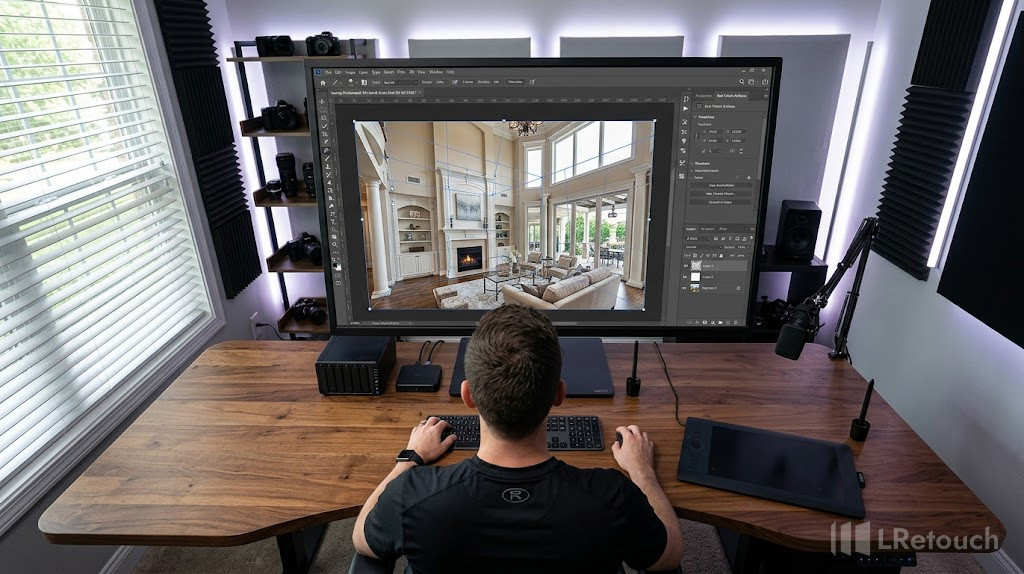
A professional workflow using Photoshop for real estate perspective correction.
GIMP
GIMP is a free and open-source alternative for photographers. It includes layers, clone tools, healing brushes, and geometry correction features.
GIMP is commonly used for:
- Basic perspective editing
- Lens distortion fixes
- Color correction
- Simple object removal
It is popular among beginners and budget-conscious editors looking for flexible photo correction tools.
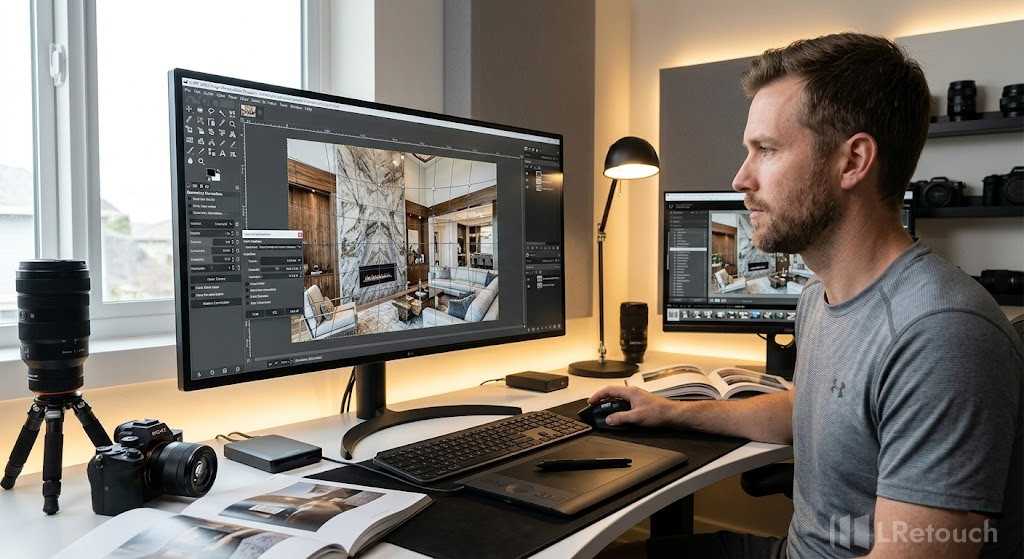
A beginner-friendly workflow using GIMP for real estate image correction.
Autoenhance.ai
Autoenhance.ai specializes in AI-powered real estate photo editing. The platform automates perspective correction real estate workflows, HDR merging, window pulls, white balance correction, and sky replacement.
According to the platform, its AI workflow can process images significantly faster than manual editing while maintaining consistent quality.
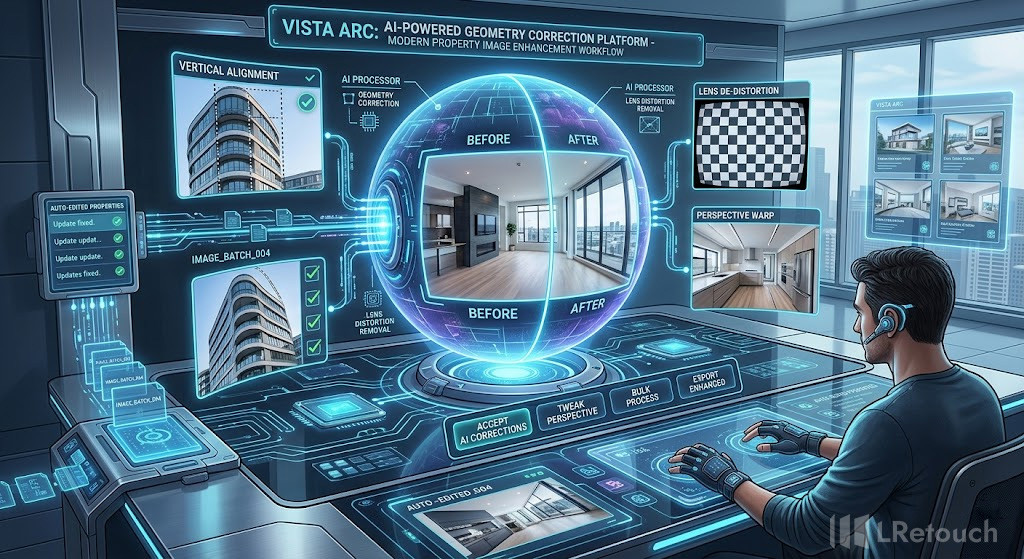
An AI-powered workflow automating perspective correction for property photos.
Key features include:
- Automatic perspective editing
- AI lens and vertical correction
- HDR image merging
- Fast batch processing
Autoenhance.ai is increasingly used by real estate photographers and agencies that need quick turnaround times and scalable editing workflows.
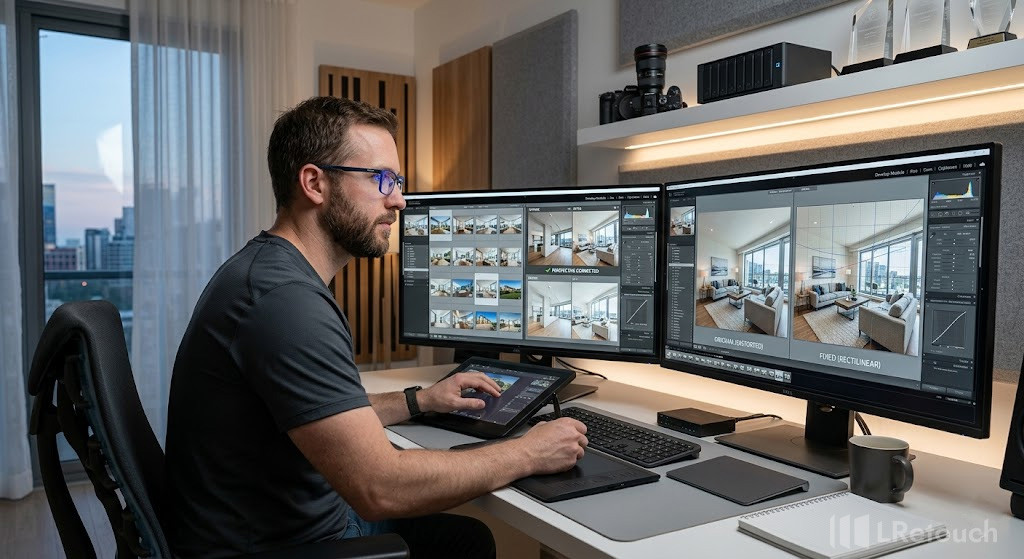
A real estate editor processing perspective-corrected property images professionally.
The bottom line
Proper editing techniques help property photos look straighter, cleaner, and more professional while improving buyer perception online. From correcting tilted walls to fixing lens distortion and aligning architectural lines, accurate editing creates more natural-looking interiors and exteriors. Mastering perspective correction real estate techniques is essential for creating polished and realistic property images.
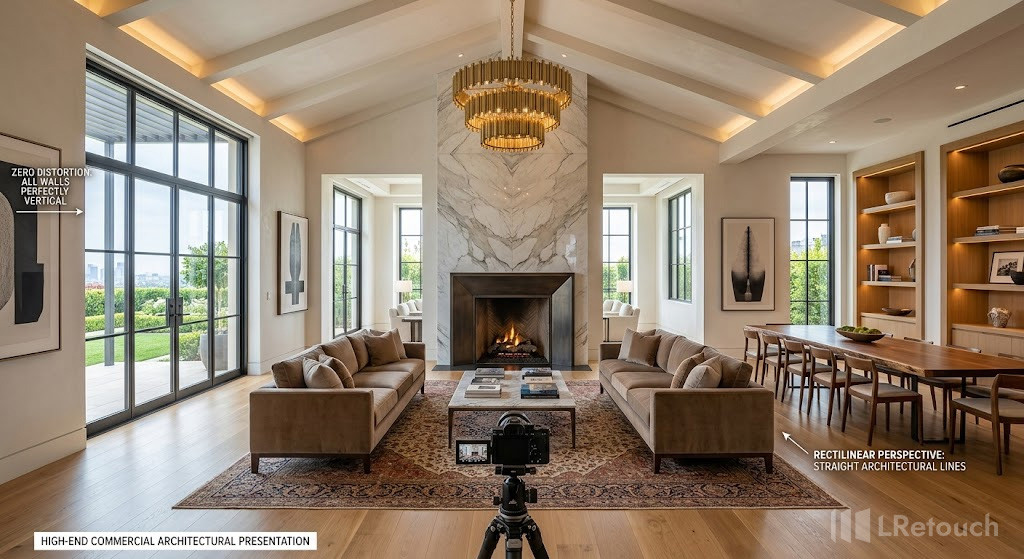
A polished real estate photo showcasing professional perspective correction techniques.